Couples: Splurge on 10–50 Album Photos with Wedding Photo Retouching
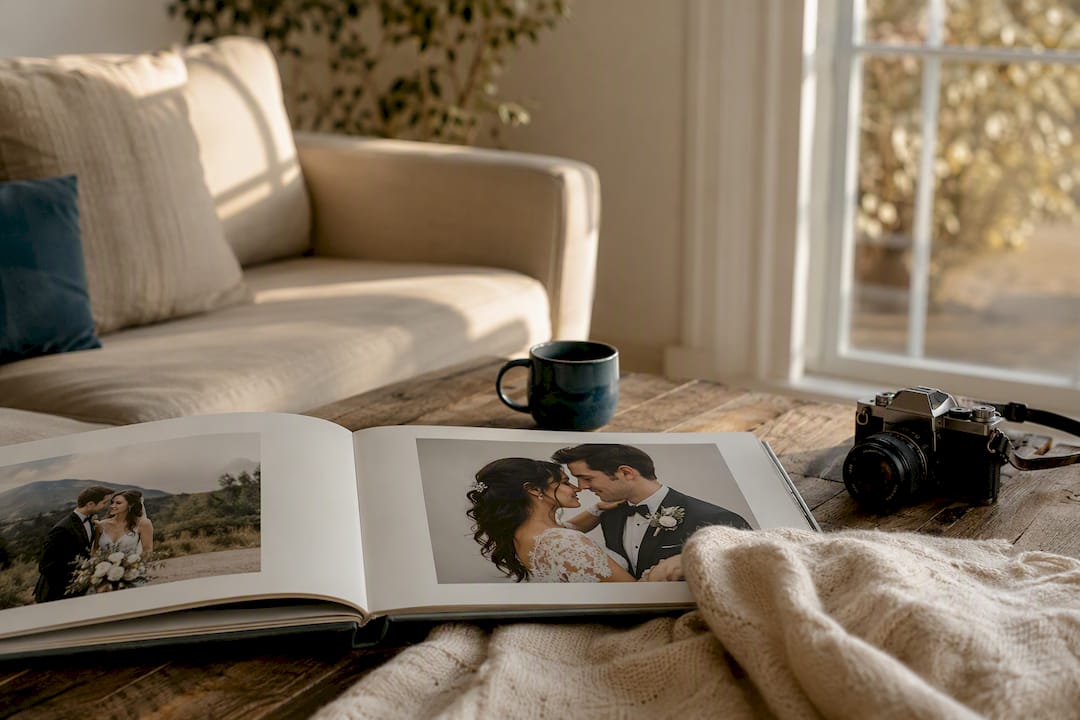
Wedding photo retouching corrects exposure, evens out skin tone, cleans backgrounds, and matches color across an entire gallery so your images look consistent and print-ready. For the shots headed into your album or onto your wall, hire a professional retoucher or a photographer whose package includes it. For quick social posts, AI tools or light DIY edits handle the job in minutes.
TL;DR:
Basic retouching is usually sufficient for most galleries, involving exposure, color correction, and minor blemish removal, with heavier edits reserved for key images.
Per-image costs are higher for detailed work like composites and head swaps, while bulk gallery pricing offers discounts for extensive retouching needs.
Consistent style and full gallery review are essential when choosing a retoucher to ensure uniform results across hundreds of images.
AI tools are suitable for quick, social-ready edits but struggle with complex compositing and maintaining skin texture in large batches.
Prioritize investing in manual retouching for images destined for prints or albums, as these last decades and benefit from higher-quality, consistent edits.
Table of Contents
What Does Wedding Photo Retouching Actually Cover?
Most galleries need two tiers of work. The first is routine correction: fixing exposure and white balance, evening out skin tone without erasing texture, removing stray blemishes, and pulling color into a consistent range across dozens or hundreds of frames. This is the bulk of what a retoucher touches, and it’s less about transformation than about making every photo in the gallery feel like it belongs to the same day.
The second tier is heavier lifting. Background or object removal (stray exit signs, a guest’s phone in the aisle shot), head swaps when someone blinked in the group photo, dress detail recovery when a bright white gown blows out the highlights, and composite work that merges two exposures into one usable frame all fall here.
Basic corrections: exposure, white balance, color grading, minor blemish removal
Skin retouching: smoothing that preserves natural texture, not a plastic finish
Cleanup work: background distractions, stray objects, wrinkles in a suit or gown
Advanced edits: head swaps, expression replacement, composite merging, dress detail recovery
A photo becomes “complex” the moment it needs more than global adjustments. Swapping a head from one frame into another, or rebuilding blown highlights in lace, takes a retoucher into per-pixel work, and that’s where the price climbs.
How Much Does It Cost and How Long Does It Take?
Pricing usually runs one of two ways: per image or per gallery. Per-image pricing suits couples who only want their top 50 to 100 shots polished for an album. Per-gallery pricing (a flat rate for the whole shoot) tends to work out cheaper if you want every image touched, since studios build in volume discounts.
Basic tier: color and exposure correction, light skin smoothing
Standard tier: adds background cleanup and object removal
Advanced tier: composites, head swaps, and detailed dress or texture recovery
Rush requests typically carry a surcharge, and composite work (merging two or more exposures into a single final image) is usually billed separately from standard retouching.
Turnaround expectations matter as much as price. Fix Photo Studio documents standard delivery windows for medium-sized galleries, with rush options available. Larger galleries, or ones heavy on advanced edits, push past that window regardless of budget, since composite and head swap work simply can’t be batch processed the way exposure fixes can.
How Do You Choose the Right Wedding Photo Retoucher?
Portfolio review comes first, and it should be specific to your taste. A retoucher whose style leans heavily saturated and moody isn’t the right fit if you want bright, airy tones, no matter how skilled they are. Ask to see full before-and-after wedding photos, not just polished finals, so you can judge how much work went into each one.
Request a sample edit. A short trial run on two or three of your own images shows you exactly how they’ll treat your skin tones and colors before you commit to a full gallery.
Ask about file delivery. Confirm formats (TIFF for print, JPEG for web), resolution, and color space up front.
Clarify revision rounds. Know exactly how many rounds of changes are included before extra fees kick in.
Ask about privacy and rights. Confirm how your images are stored, who has access, and who retains usage rights.
Red flags are usually easy to spot once you know to look. No sample work available, pricing that shifts every time you ask a follow-up question, no stated revision policy, or a portfolio where color tone jumps wildly from photo to photo all suggest an inconsistent process.
Pro Tip: Ask to see one full gallery start to finish, not a highlight reel. Consistency across 400 images is the real test of skill, not a handful of hero shots.
Professional Studio, Your Photographer, or AI: Which Route Fits?
Each approach solves a different problem, and the right one depends on where the photos are going.
Human studio retouching delivers the highest consistency across a full gallery and handles composites, head swaps, and dress detail recovery that automated tools can’t manage well. It costs more and takes longer, but it’s the standard for album and print work.
Photographer-provided retouching often comes bundled into higher-tier packages, and the advantage is style match. Your photographer already knows the look they shot for, so the edit tends to feel cohesive with less back-and-forth.
AI and self-serve tools are fastest and cheapest, ideal for social-ready images you need same day. EditThisPic and similar tools fix color casts, mild blur, and blown highlights in minutes, but they struggle with complex compositing and can flatten skin texture if pushed too hard.
ON1 notes that wedding editing works best when a full gallery is balanced for a consistent cinematic look rather than treating each frame in isolation, which is exactly where AI tools tend to fall short at scale.
What Should You Send a Retoucher?
Package your request the way you’d brief any professional: clearly, with references, and with priorities marked.
Send RAW or TIFF files for anything headed to print; high-resolution JPEG is fine for web-only images.
Organize by priority. Flag your album picks and wall-print candidates separately from the rest of the gallery.
Include reference images. A Pinterest board or a link to wedding photo inspiration helps a retoucher understand your target look fast.
State your comfort level with retouching. Some couples want zero visible smoothing; others want a fuller glam treatment. Say so up front.
A one-line request template works: “Standard color correction on the full gallery, advanced retouching on the 40 images marked ALBUM, natural skin tone throughout, no heavy smoothing.”
How Pixel Groves Handles Retouching From Start to Finish
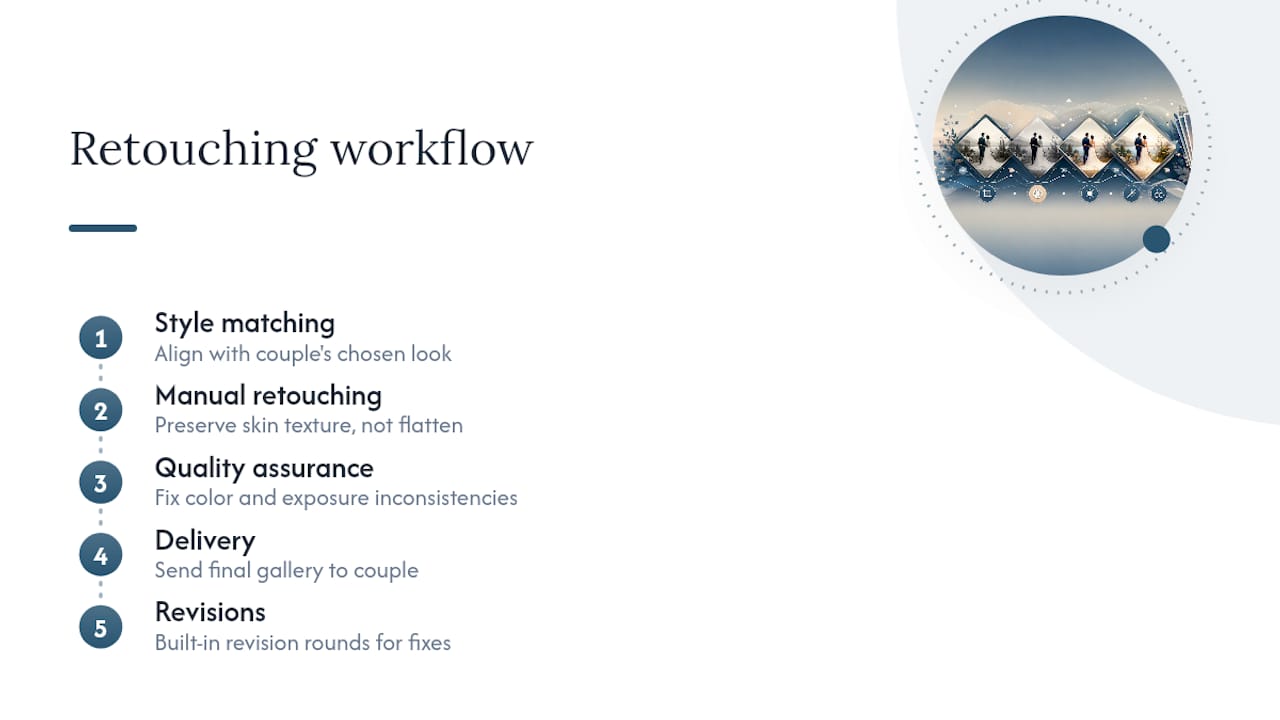
Pixel Groves’ editing process starts with style matching against the couple’s chosen look, whether that’s documentary, editorial, or light and airy. Manual retouching follows, with attention to preserving skin texture rather than flattening it, a standard Aftershoot’s pro guide also holds up as the mark of quality work. Every gallery goes through a quality-assurance pass to catch inconsistencies in color or exposure before delivery, with revision rounds built into the process.
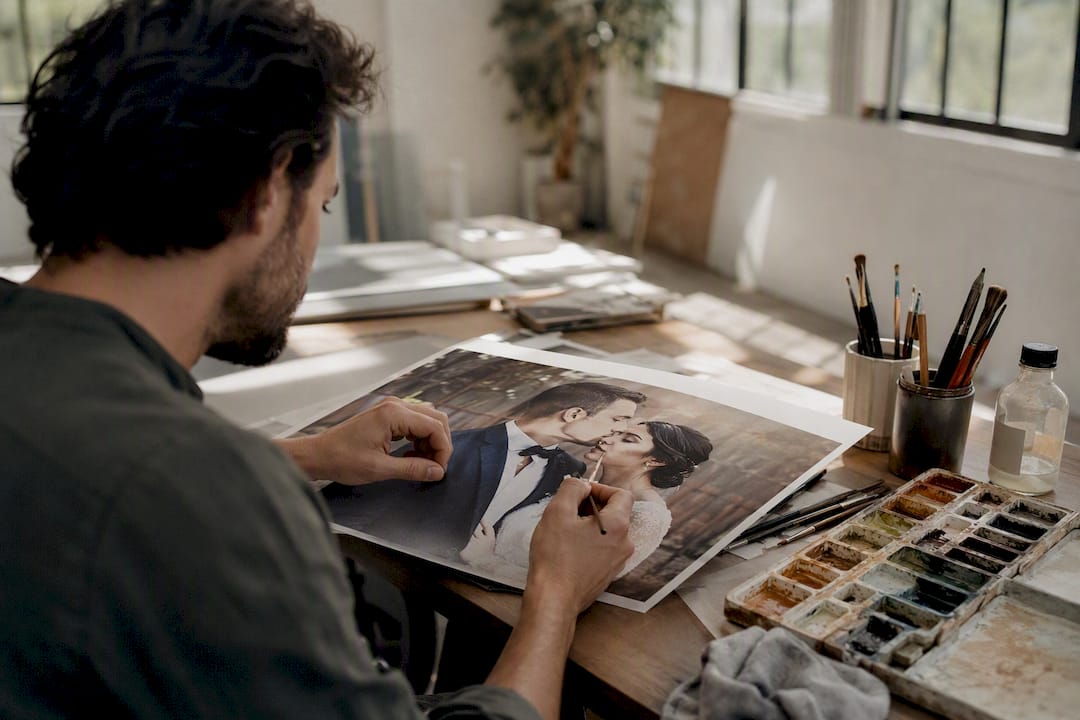
Hiring a photographer whose packages include retouching, like Pixel Groves offers, removes the coordination work of finding and briefing a separate editor. The person who shot the day already understands the light, the venue, and the story, which shows up in the final artistic editing choices.
Where Should Your Retouching Budget Actually Go?
Spend the money on human retouching for your top 10 to 50 images, the ones going into your album, on your wall, or in a frame your grandmother will see for the next thirty years. Everything else can run through faster, cheaper options without much loss.
The logic is simple: prints and albums last decades, and heavy-handed or inconsistent editing becomes more obvious over time, not less. Save the careful, manual work for what’s built to outlive the wedding itself.
— Kellie
Pixel Groves Packages That Include Editorial Retouching
If juggling a separate retoucher on top of booking a photographer sounds like one more vendor you don’t need, Pixel Groves builds editorial retouching directly into its wedding photography packages.
[
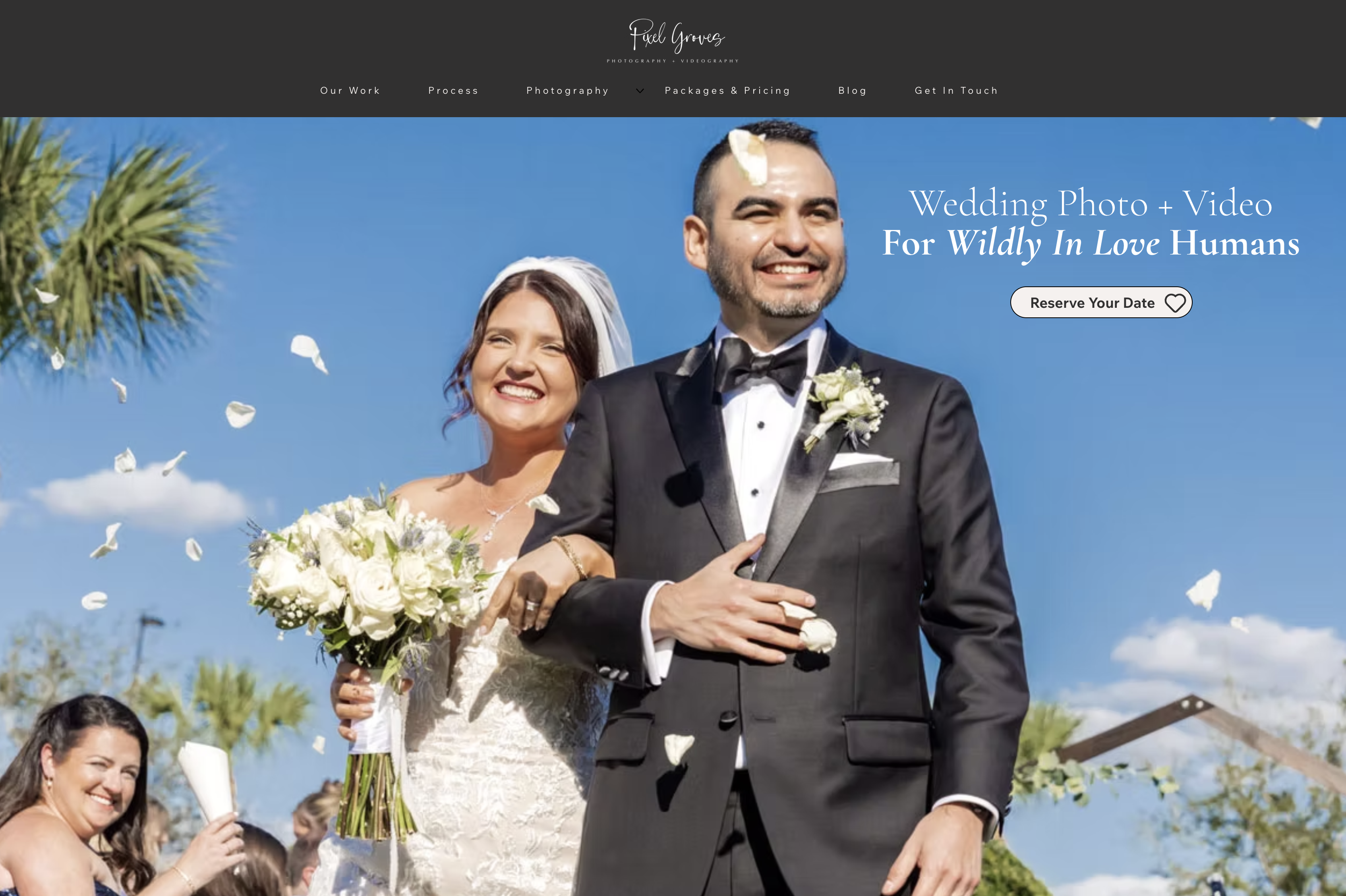
Full-day coverage includes style-matched color grading, skin retouching that keeps texture intact, and gallery-wide consistency checks, so your album images arrive ready for print without a second round of outsourcing. Higher-tier packages extend that to advanced work like composite shots from the ceremony or reception. Details on what’s covered at each level, along with current pricing, are live on the pricing and packages page. If you want a straight answer on what your specific date and venue would run, request a consultation and get a quote built around your actual gallery size, not a generic estimate.
Sources
For more on workflow and features, see ON1’s wedding photo editor, Fix Photo Studio’s service breakdown, and how floral color choices factor into final images via Love You More Flower Boutique’s planning guide.
Recommended
Comments